Introduction
Artificial intelligence is no longer a futuristic concept in the design industry. It has become an essential part of modern creative workflows. From generating visual concepts to automating repetitive tasks, AI is transforming how designers, marketers, and agencies approach graphic design.
In the past, creating marketing visuals required hours of brainstorming, sketching, designing, and refining. Today, AI tools can generate design concepts in seconds and automate tasks that previously consumed valuable creative time.
However, the role of AI in design is often misunderstood. Many people fear that AI will replace designers, while others assume AI can fully automate creative work.
The reality lies somewhere in between.
Artificial intelligence works best as a creative accelerator—a tool that enhances human creativity rather than replacing it. When used strategically, AI can significantly improve productivity, streamline workflows, and enable designers to focus on high-value creative decisions.
For businesses and digital marketing agencies, this shift represents a massive opportunity. Brands that learn how to integrate AI into their design process will produce faster, smarter, and more impactful creative assets.
In this comprehensive guide, you will learn:
- What AI graphic design is
- Why AI is transforming the design industry
- Practical ways to integrate AI into your design workflow
- The best AI tools for designers and marketers
- Common mistakes to avoid when using AI
- How businesses can maintain creativity while using AI
Let’s explore how AI is reshaping graphic design and how you can use it effectively.
What Is AI Graphic Design?
AI graphic design refers to the use of artificial intelligence tools and machine learning technologies to assist in the creation of visual content.
These tools analyze massive datasets of images, layouts, typography, and design patterns. Based on this data, they can generate new design elements, recommend layouts, and automate design processes.
AI graphic design tools can help with:
- Image generation
- Layout design
- Color palette suggestions
- Typography recommendations
- Creative concept generation
- Design automation
- Visual experimentation
Instead of replacing designers, AI serves as a collaborative assistant that accelerates creative workflows.
For designers, this means less time spent on repetitive tasks and more time focused on strategic creative thinking.
For businesses, it means faster production of high-quality marketing visuals.
Why AI Is Transforming the Graphic Design Industry
Artificial intelligence is reshaping creative industries because it solves several long-standing challenges in design workflows.
Faster Design Production
One of the biggest advantages of AI is speed.
Traditional design processes involve multiple stages, including research, sketching, layout creation, revisions, and optimization. AI tools can automate many of these steps, significantly reducing production time.
For example, AI can instantly generate layout templates, suggest visual hierarchies, or produce image variations based on a simple prompt.
This allows designers to move quickly from concept to execution.
Improved Creative Exploration
Creative inspiration does not always come easily.
Designers often spend hours searching for references or experimenting with visual concepts before finding the right direction.
AI tools can generate dozens of visual variations instantly, allowing designers to explore creative ideas more efficiently.
These variations often spark new concepts that designers can refine and transform into unique final designs.
Cost Efficiency for Businesses
Hiring a full design team can be expensive, particularly for startups and small businesses.
AI tools reduce the cost of design production by enabling marketers and entrepreneurs to create professional visuals without requiring extensive design expertise.
This democratizes access to high-quality design.
Data-Driven Design Decisions
Modern AI design platforms can analyse user engagement data to determine which visual elements perform best.
For example, AI can analyse metrics such as:
- click-through rates
- visual engagement
- user interaction patterns
- conversion performance
By analysing this data, designers can optimize visuals to improve marketing performance.
Benefits of Using AI in Graphic Design
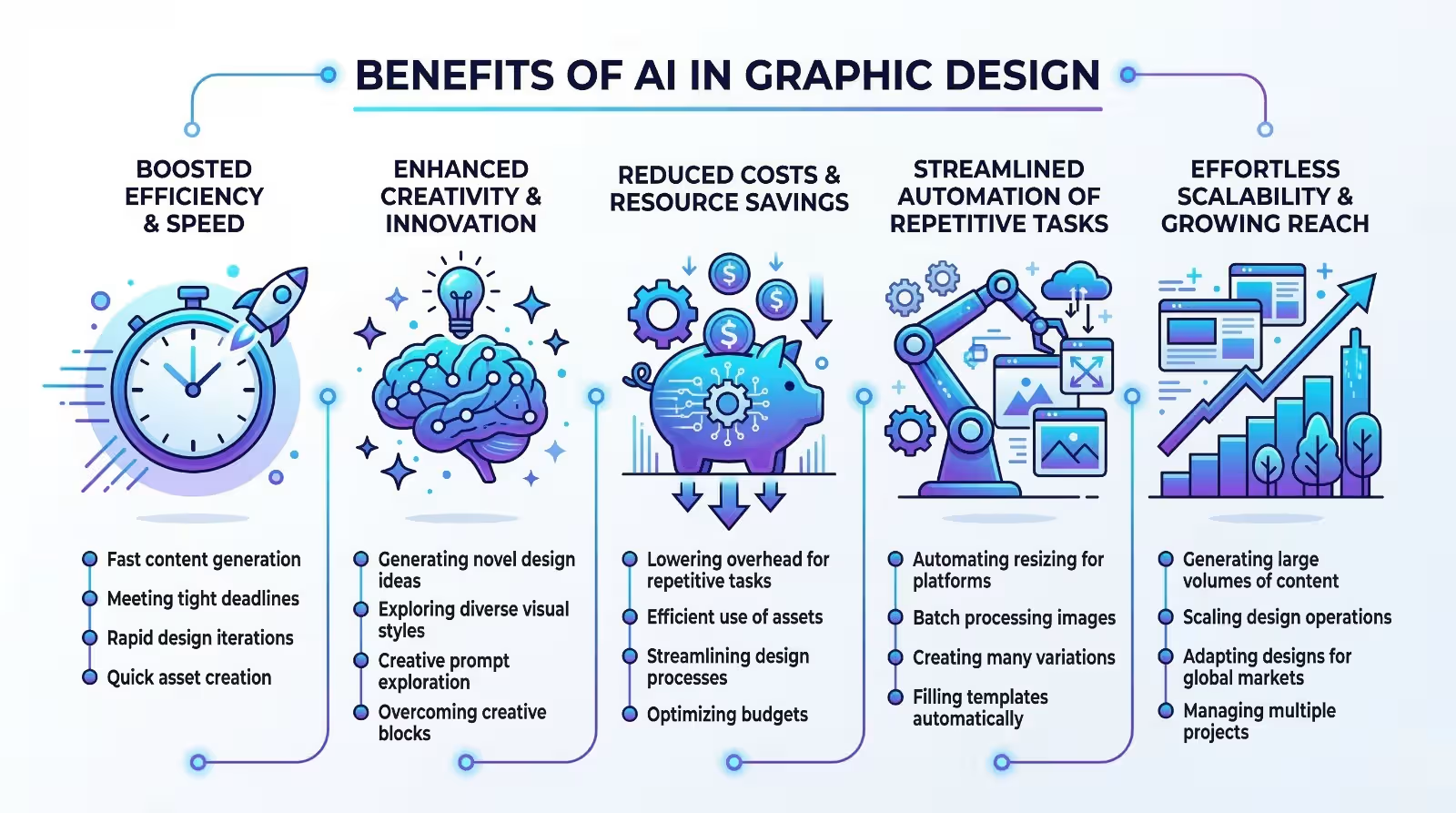
Businesses that adopt AI design tools gain several competitive advantages.
Increased Productivity
AI automates repetitive tasks such as resizing images, formatting layouts, and generating design variations.
This allows designers to complete projects faster and focus on creative strategy.
Faster Marketing Campaigns
Marketing teams often need to produce visuals quickly for social media, advertisements, and promotional campaigns.
AI tools allow marketers to generate multiple creative variations quickly, enabling faster campaign launches.
Improved Creative Testing
AI makes it easy to generate multiple design options for testing.
Businesses can run A/B tests to determine which visuals perform best across different marketing channels.
Scalable Design Production
AI tools allow businesses to scale their content production without increasing design resources.
Companies can produce large volumes of visuals for social media, digital ads, and websites.
Step-by-Step AI Design Workflow
To use AI effectively, businesses should integrate it into their design workflow strategically.
Below is a practical step-by-step process.
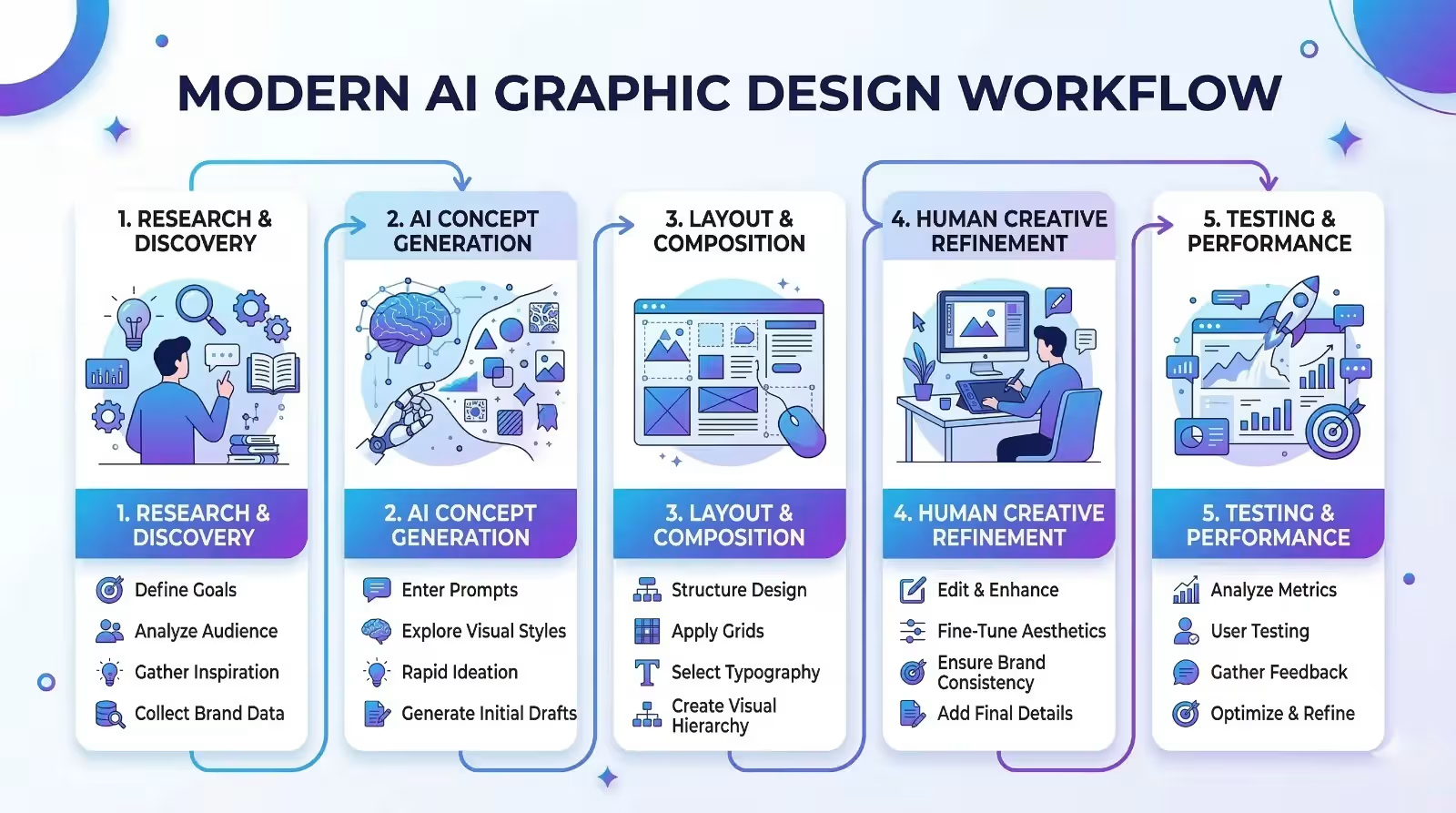
Step 1: Research and Concept Development
Before generating visuals, designers should define the creative direction.
This includes:
- target audience
- brand personality
- visual style
- marketing objective
AI tools can assist in this stage by generating mood boards and concept images based on prompts.
Step 2: AI Concept Generation
Once the creative direction is clear, AI tools can generate visual concepts.
Designers can create multiple variations of:
- product visuals
- marketing banners
- website hero images
- advertising creatives
These concepts provide a starting point for further refinement.
Step 3: Layout and Structure Design
After selecting a concept, designers can use AI tools to generate layout structures and wireframes.
These tools analyze design principles such as hierarchy, spacing, and alignment to create optimized layouts.
This significantly speeds up the design process.
Step 4: Manual Creative Refinement
AI should never fully replace human creativity.
Designers must refine AI-generated designs to ensure they align with brand identity and marketing goals.
This includes adjusting:
- typography
- color balance
- visual composition
- messaging clarity
Human creativity ensures that designs remain unique and emotionally engaging.
Step 5: Performance Testing
Once the design is finalized, businesses should test multiple variations.
A/B testing helps determine which visuals perform best across marketing channels.
AI analytics tools can analyze engagement and conversion data to optimize future designs.
AI Design Tools Worth Exploring
Several powerful AI design tools are currently transforming creative workflows.
Adobe Firefly
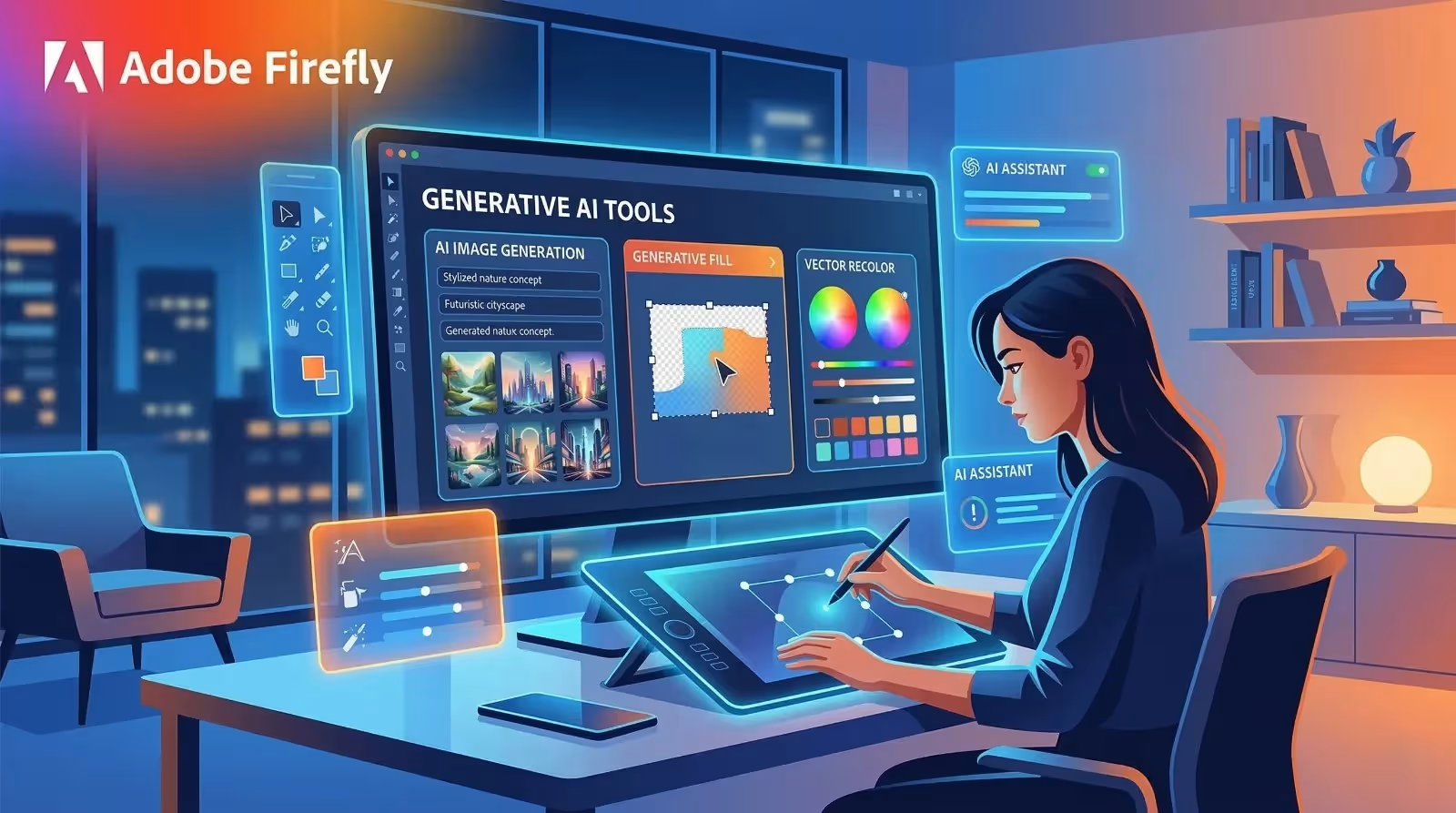
Adobe Firefly is one of the most reliable AI tools for commercial design work.
It integrates seamlessly with Adobe’s design ecosystem, including Photoshop and Illustrator.
Firefly enables designers to generate images, apply text effects, and modify visuals using AI.
Because it is trained on licensed content, it is considered safer for commercial use.
Midjourney
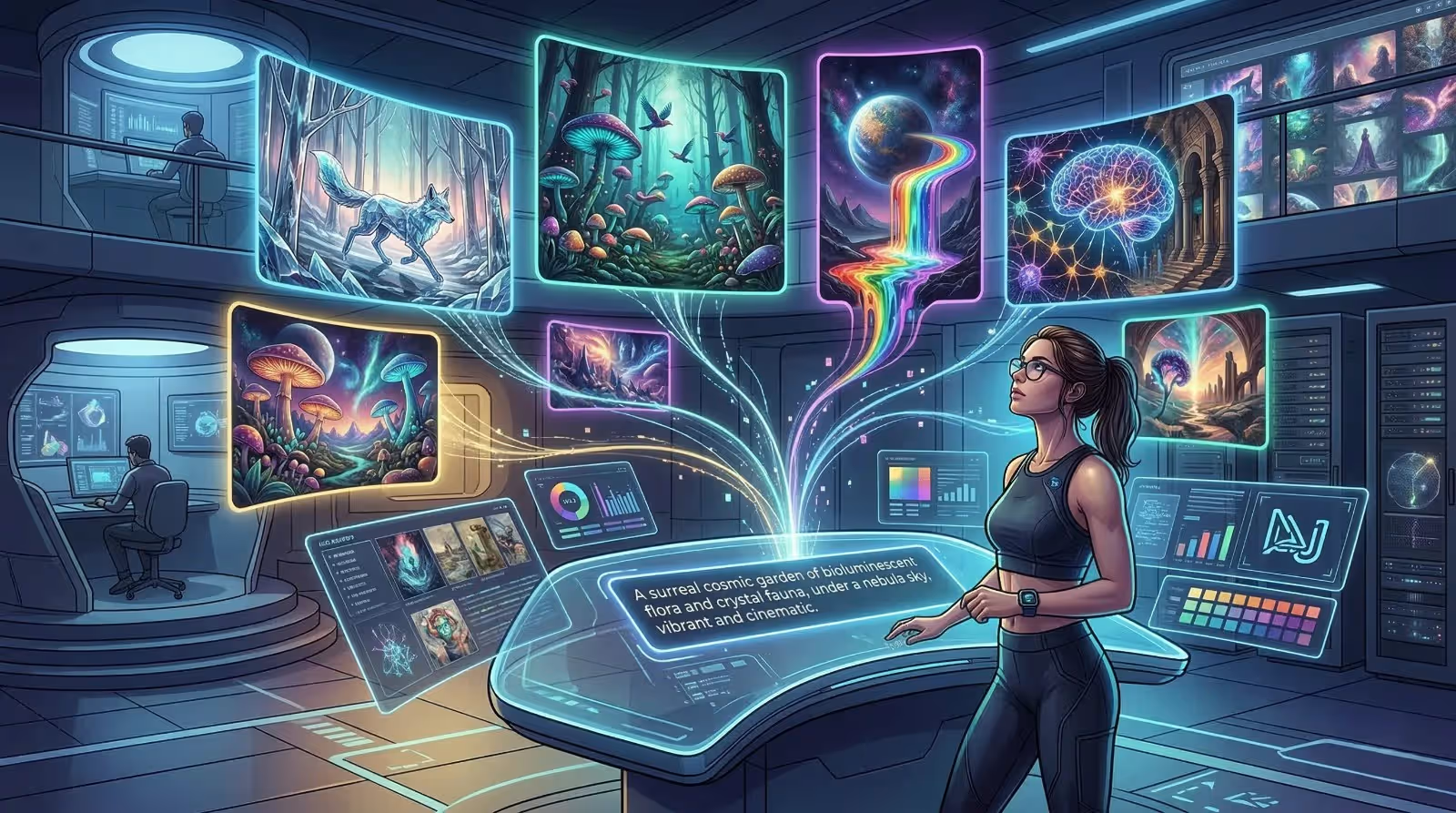
Midjourney is widely known for generating highly artistic and detailed images.
Designers often use it during the concept stage to explore creative visual styles.
Its ability to produce high-quality textures and lighting effects makes it a powerful tool for inspiration.
Figma AI
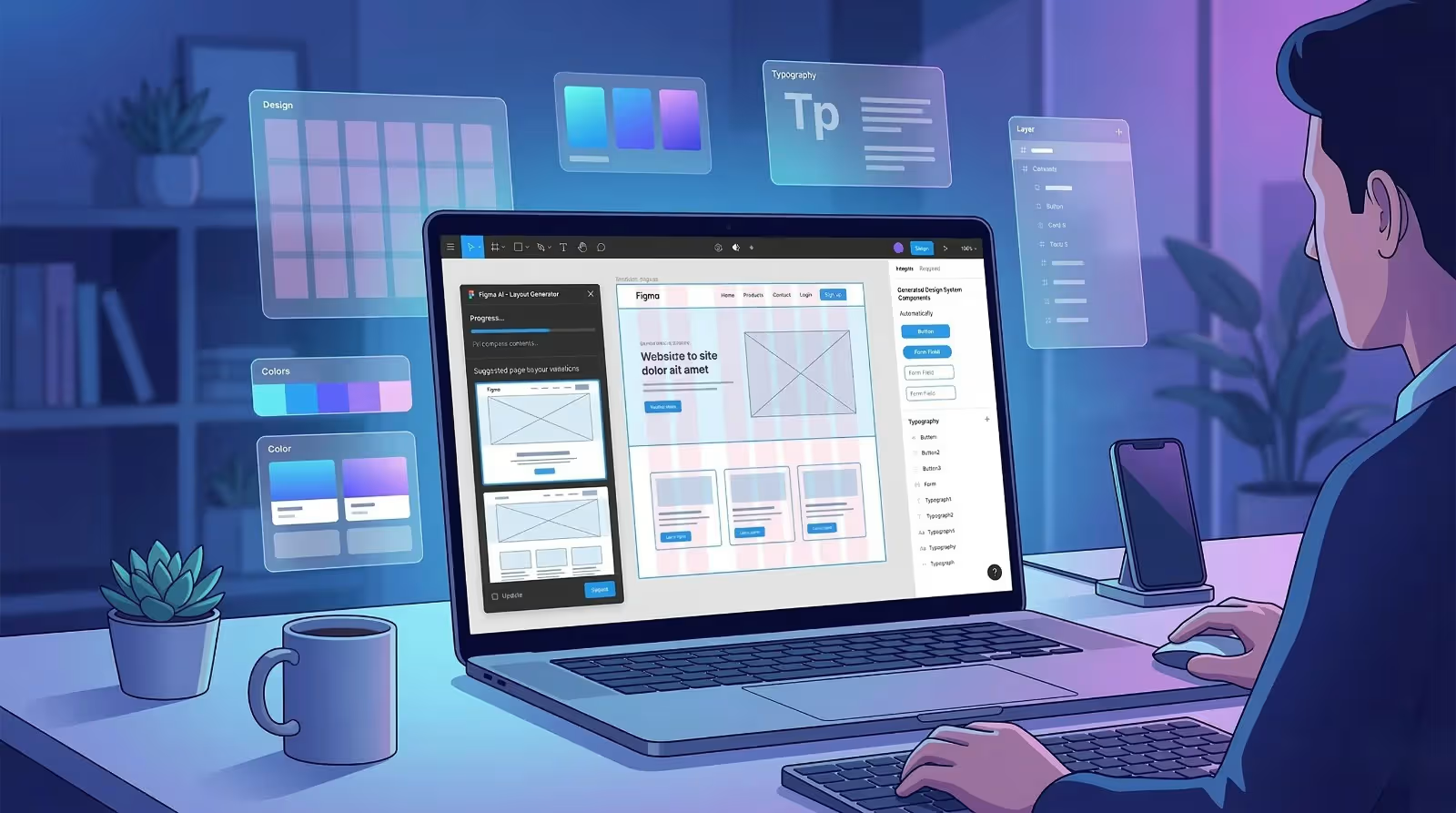
Figma AI focuses on user interface and product design.
It helps designers automate tasks such as:
- generating UI layouts
- organizing design layers
- creating design systems
This significantly improves efficiency in web and app design workflows.
Canva AI
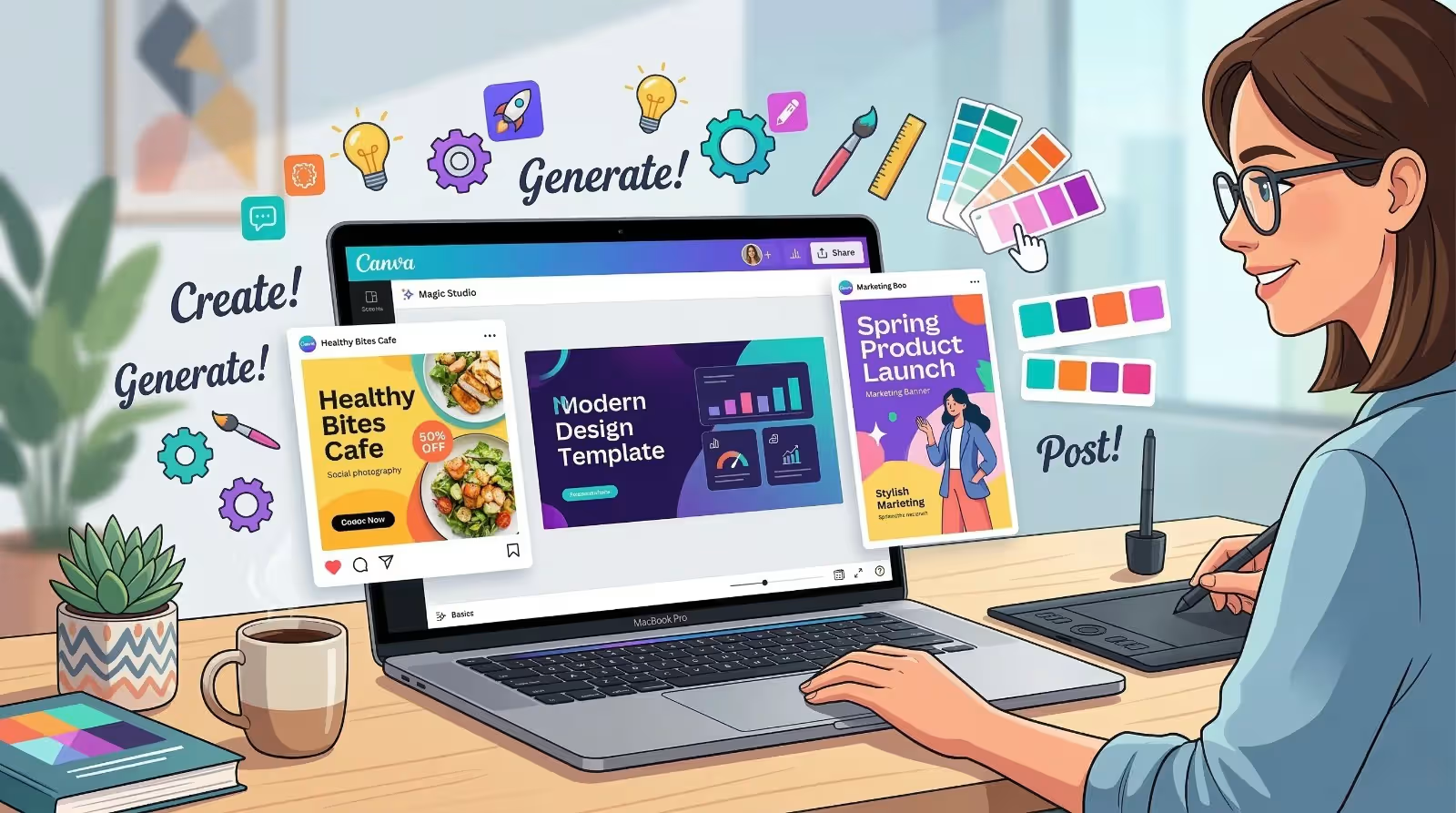
Canva AI has become one of the most popular design tools for businesses and marketers.
It allows users to generate graphics, presentations, and marketing visuals using AI templates and automated design features.
Canva is particularly useful for teams without advanced design skills.
Where AI Should Not Lead the Design Process
While AI offers powerful capabilities, it also has limitations.
Understanding these limitations is essential to maintaining creative quality.
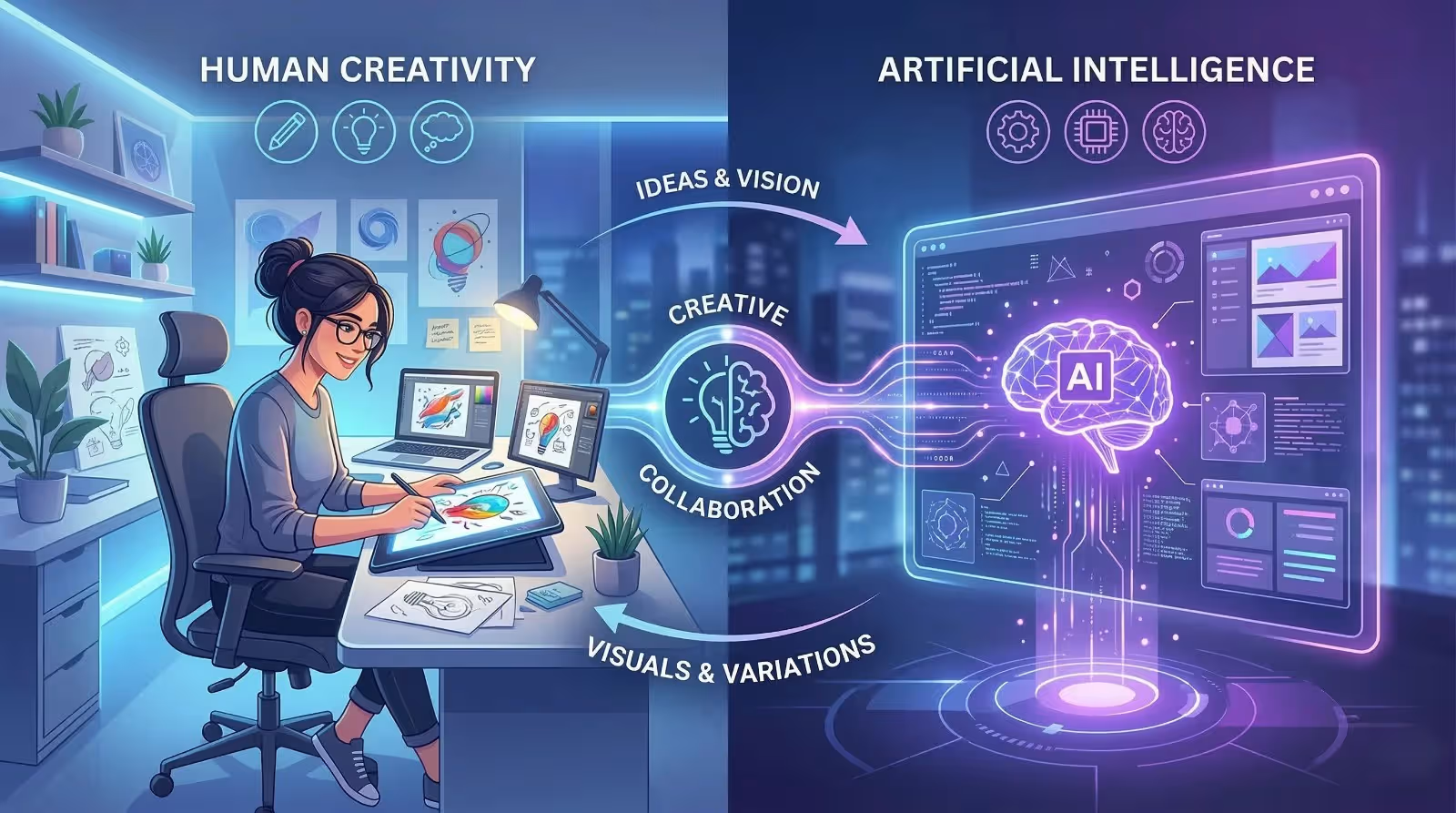
Creative Strategy
AI cannot understand brand positioning, competitive differentiation, or emotional storytelling.
Creative strategy must always be led by human designers and marketers.
Cultural Context
AI models are trained on large datasets but lack deep cultural understanding.
Designers must ensure that visuals are culturally appropriate and aligned with brand values.
Ethical and Legal Oversight
AI tools may generate content that unintentionally resembles copyrighted material.
Human designers must verify that generated visuals comply with copyright laws and brand safety standards.
Common Mistakes to Avoid When Using AI in Design
Businesses should avoid several common pitfalls when integrating AI into their design workflow.
Over-Reliance on AI
Relying entirely on AI often results in generic designs.
Human creativity is essential for producing unique and emotionally compelling visuals.
Using Generic Prompts
The quality of AI output depends heavily on the quality of prompts.
Specific prompts that include style references, lighting conditions, and visual themes produce better results.
Ignoring Brand Consistency
AI-generated visuals must align with brand guidelines.
Businesses should ensure that designs follow consistent color palettes, typography, and messaging.
The Future of AI in Graphic Design
AI technology continues to evolve rapidly.
Future AI design systems may include:
- real-time personalized design experiences
- predictive visual optimization
- automated brand identity creation
- adaptive marketing visuals based on user behavior
Designers who learn to collaborate with AI will gain a significant competitive advantage.
Rather than replacing designers, AI will elevate the role of designers toward strategic creative leadership.
Conclusion
Artificial intelligence is transforming the graphic design industry by accelerating creative workflows and enabling faster production of marketing visuals.
Businesses that integrate AI into their design processes can produce higher-quality content, launch marketing campaigns faster, and experiment with creative ideas more efficiently.
However, the most successful design strategies combine AI automation with human creativity.
AI handles speed and experimentation, while designers provide strategic thinking, storytelling, and emotional connection.
When used correctly, AI becomes a powerful partner in the creative process rather than a replacement for human designers.
Frequently Asked Questions
Will AI replace graphic designers?
AI will not replace designers. Instead, it will change the role of designers. Designers who use AI tools effectively will become more productive and valuable.
What are the best AI tools for graphic design?
Popular tools include Adobe Firefly, Midjourney, Figma AI, and Canva AI.
Can businesses use AI-generated images commercially?
Some AI tools allow commercial use, but businesses must verify licensing terms and ensure designs do not violate copyright laws.
How can designers make AI designs look unique?
Designers should use detailed prompts, refine AI outputs manually, and apply brand-specific design elements.
Need AI-Powered Design for Your Brand?
At eMarketters, we combine creative expertise with cutting-edge AI tools to deliver faster, smarter, and more impactful design solutions.
From branding and social media visuals to full marketing campaigns, our team helps businesses transform creative ideas into powerful visual experiences.
Contact our team today to elevate your brand with AI-powered design.