Google AI Mode in Chrome: Search Deeper with Fewer Tabs
Do you ever find yourself with 50 different tabs open in your browser? Your computer starts making a loud fan noise, and you can’t even see the icons on the tabs anymore. We have all been there. Whether you are researching a school project, planning a vacation, or looking for a Digital Marketing agency in Lucknow, tab overload is a real problem.
Google has finally heard our cries for help. With the new Google AI Mode in Chrome, you can now search deeper, find answers faster, and—most importantly—keep your browser clean with fewer tabs.
In this guide, we will break down everything you need to know about this new AI feature, how to use it, and why it is a game-changer for everyone from students to business owners.
What is Google AI Mode in Chrome?
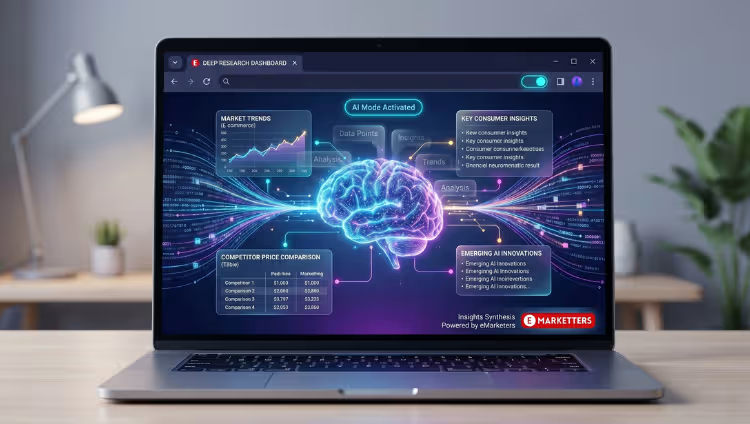
Google Chrome is the most popular web browser in the world. Recently, Google started adding “Generative AI” features directly into the browser. Instead of just being a window to the internet, Chrome is now becoming a smart assistant.
The “AI Mode” isn’t just one button. It is a set of tools that use Google’s advanced AI (like Gemini) to help you organize your work. The goal is simple: Search deeper while keeping fewer tabs open.
Why does this matter?
Usually, when we search for something complex, we click on ten different links and open them all in new tabs. We then hop back and forth between them to compare information. This is slow and messy. Google’s new AI features summarize information and group your tabs automatically so you don’t have to.
Key Features of the New Google AI in Chrome
1. The Smart Tab Organizer
If you are someone who keeps way too many tabs open, this feature will save your life. When you have many tabs open, you can right-click on a tab and select “Organize Similar Tabs.”
Chrome will use AI to look at all your open pages. It will then group them into categories. For example, if you are looking for an SEO company in Lucknow and also looking for pizza recipes, Chrome will put all the marketing tabs in one group and the food tabs in another.
2. Help Me Write
Writing emails, reviews, or blog posts can be hard. Chrome now has a built-in “Help me write” feature. Whether you are writing a formal inquiry to a Digital Marketing company in Lucknow or just leaving a review for a local cafe, the AI can help you start the draft or change the tone of your writing to be more professional or friendly.
3. AI-Powered Search Summaries (SGE)
Instead of clicking five websites to find an answer, Google’s AI search (SGE) gives you a summary right at the top of the page. It pulls the best info from across the web and puts it in one box. This means you don’t have to open nearly as many tabs to get the full story.
4. Custom AI Themes
While not strictly for searching, Chrome now lets you create your own browser themes using AI. You can tell the AI, “Give me a peaceful forest in a 1990s video game style,” and it will create a unique look for your browser.
How to Enable Google AI Features in Chrome (Step-by-Step)
Ready to try it out? These features are rolling out slowly, so you might need to turn them on manually. Here is how:
-
Update Your Browser: Open Chrome, click the three dots in the top right corner, go to Help, and click About Google Chrome. Make sure you are on the latest version.
-
Go to Settings: Click the three dots again and select Settings.
-
Find “Experimental AI”: On the left-hand menu, look for a tab called “Experimental AI.”
-
Toggle the Switches: You will see options like “Tab Organizer,” “Help Me Write,” and “History Search.” Turn these ON.
-
Relaunch: Close Chrome and open it again. You are now ready to use the AI mode!
How Searching “Deeper” with Fewer Tabs Works
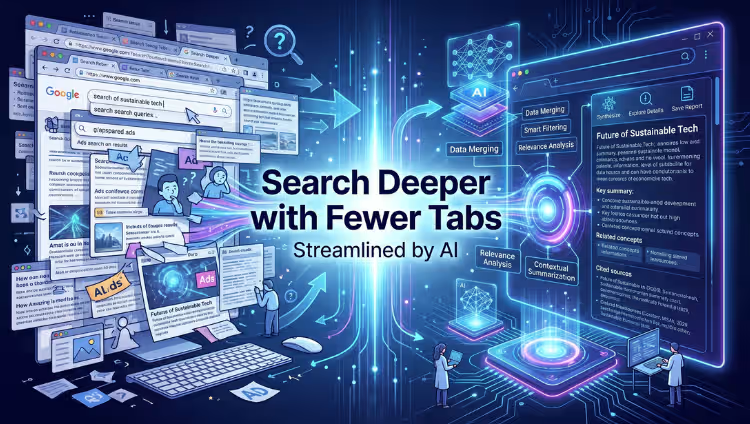
You might wonder, “How can I search more if I have fewer tabs open?” Here is the magic of AI:
Comparison Without Clicking
Imagine you are trying to find the best SEO company in Lucknow. Usually, you would open five different agency websites to check their services. With AI Mode, you can ask Google to “Compare the top SEO agencies in Lucknow.” The AI pulls data from those sites and shows you a comparison chart or list directly in the search results. You get the depth of five websites in just one tab.
Deep Contextual History
Have you ever remembered a website you saw three days ago but can’t find it in your history? Chrome’s new AI-powered history search lets you search your history using natural language.
-
Old Way: Searching for “marketing-website.com”
-
New AI Way: Searching for “What was that marketing site I looked at last Tuesday that mentioned social media ads?”
The AI understands the context of what you saw, not just the URL.
Why This is Great for Digital Marketing
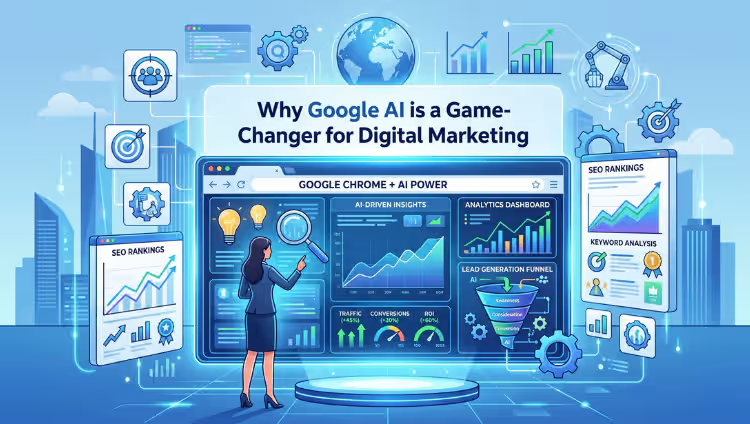
If you run a business or work with a Digital Marketing agency in Lucknow, these AI tools change how you work.
-
Faster Research: Marketers can research competitors without getting lost in a sea of tabs.
-
Content Ideas: Using the “Help me write” feature, you can quickly brainstorm headings for your next blog post or social media update.
-
Efficiency: For an SEO company in Lucknow, being able to organize client research into neat, AI-labeled tab groups means less time wasted and more time spent on getting results for clients.
5 Tips to Master Google AI in Chrome
-
Be Specific with Prompts: When using the “Help me write” feature, tell the AI exactly what you want. Instead of saying “write an email,” say “write a professional email asking for a quote from a Digital Marketing agency in Lucknow.”
-
Use Tab Groups for Projects: If you are planning a wedding or a business launch, let the AI group your tabs. It keeps your mind clear and focused.
-
Don’t Fear the Sidebar: Use the Side Panel in Chrome. It allows you to see search results while you still have your main page open.
-
Trust but Verify: AI is smart, but it can make mistakes. Always double-check important facts or prices.
-
Check for Updates Weekly: Google is adding new AI features to Chrome almost every month. Keep your browser updated!
The Impact on Local Businesses in Lucknow
In a growing city like Lucknow, staying ahead of the technology curve is important. Businesses that use AI tools are more productive.
If you are a local shop owner, you can use Chrome’s AI to analyze your competitors’ websites faster. If you are looking to grow your online presence, working with a professional SEO company in Lucknow, combined with these smart tools, will help you reach more customers with less effort.
Frequently Asked Questions (FAQs)
1. Is Google AI Mode in Chrome free to use?
Yes! Currently, these features are built directly into the Google Chrome browser for free. You just need to be signed into your Google account and have the latest version of Chrome.
2. Will the AI features make my computer slow?
Actually, it might make it faster! By using the Tab Organizer to close unnecessary tabs and using AI to summarize info, you use less RAM (memory) than if you had 50 tabs open at once.
3. Can I use these AI features on my phone?
Most of these “Experimental AI” features are currently designed for the Desktop version of Chrome (Windows and Mac). However, Google is slowly rolling out “Search Generative Experience” (SGE) to mobile phones via the Google App.
4. Is my data safe when using Google AI?
Google uses your data to help the AI learn, but they have privacy controls in place. You can turn off Experimental AI at any time in your settings if you feel uncomfortable.
5. How does this help with SEO?
AI makes searching easier for users. For a Digital Marketing agency in Lucknow, this means they need to focus on creating high-quality content that AI can easily summarize and recommend to users.
6. Do I need a special computer to run these features?
No. As long as your computer can run the latest version of Google Chrome, you can use these AI tools. It happens mostly in the “cloud,” so you don’t need a super-powerful PC.
Conclusion: The Future of Browsing is Here
Google AI Mode in Chrome is more than just a fancy update. It is a new way of interacting with the internet. We are moving away from “searching and clicking” toward “asking and receiving.”
By letting AI handle the organization and the summaries, you can spend more time learning and less time clicking. Whether you are a student, a blogger, or a business owner looking for a Digital Marketing agency in Lucknow, these tools will help you work smarter.
Stop drowning in tabs. Turn on the AI features today and see how much faster you can get things done!
Need Help Growing Your Business Online?
The world of AI and SEO is changing fast. If you want to make sure your business stays at the top of the search results, you need experts on your side.
As a leading SEO company in Lucknow, we help businesses navigate the world of Google AI, search rankings, and digital growth. Whether you need a full strategy from a Digital Marketing agency in Lucknow or just want to improve your local search presence, we are here to help.
[Contact Us Today for a Free SEO Audit!]